What happens to someone's Facebook, Instagram and Google account when they die
Kitty, Carn · 7 September 2026 · 3 min read
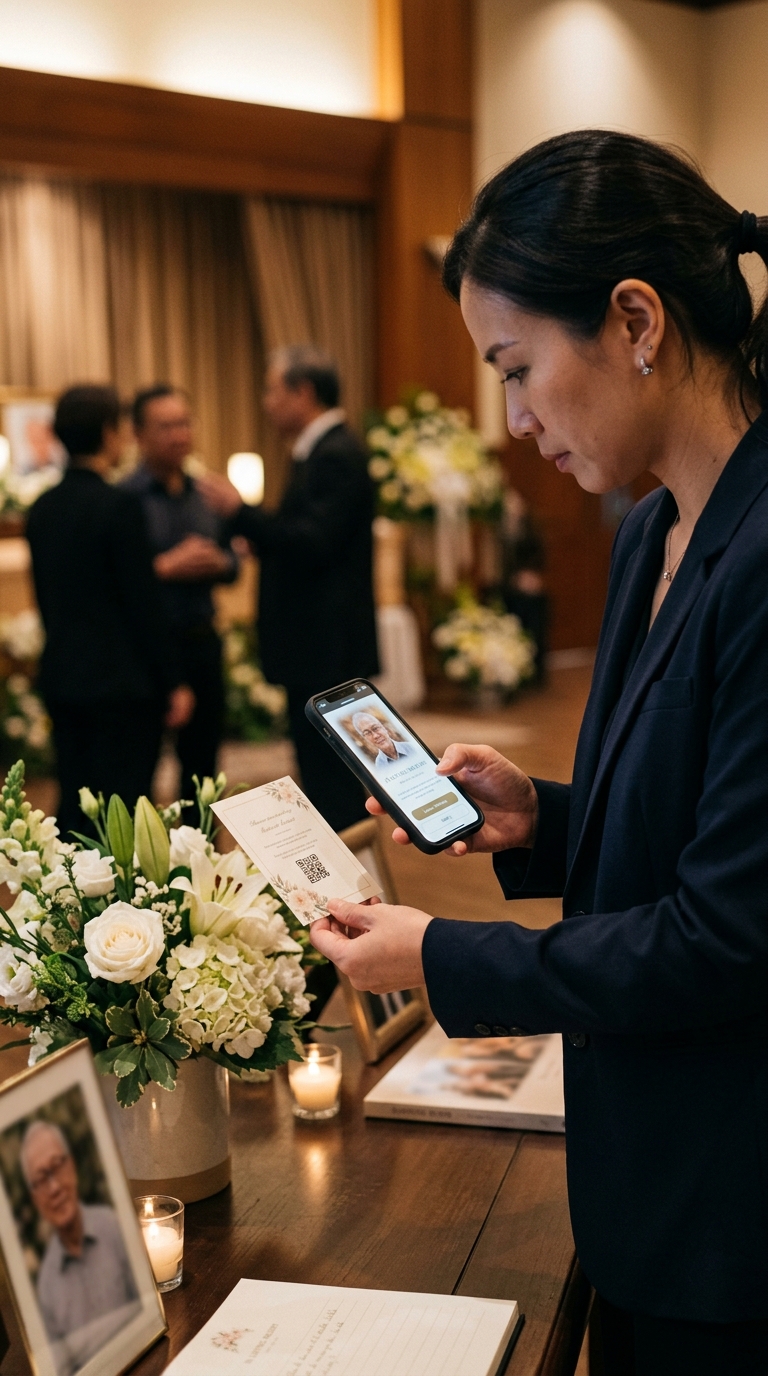
A month or so after a death, someone in the family opens the laptop and realises the accounts are all still there. The profile still exists. The birthday reminder is going to go out in April.
Here is what each of the big platforms actually does, and what a family can and cannot get back. Rules change, so check the current help pages before you act on anything final.
Two options: memorialise the account, or delete it.
A memorialised account has "Remembering" added above the name. It stops appearing in birthday reminders and suggestions, nobody can log into it, and existing posts stay visible to whoever could already see them. Friends can still post on the profile.
If the person chose a legacy contact while they were alive, that person can write a pinned post, respond to friend requests and update the profile picture. They cannot read messages. If no legacy contact was set, a family member can still request memorialisation with proof of death.
Deletion is permanent, requires proof you are an immediate family member or executor, and takes everything with it. Do not request it in the first weeks.
Owned by Meta and broadly the same: memorialise or delete. A memorialised Instagram account freezes as it is. Nobody can log in, nothing can be edited, and it stops appearing in public spaces like Explore.
There is no legacy contact for Instagram. Whatever is in the account at the point of memorialisation is what stays.
Google, and this is the important one
Google holds more of most people's lives than any other account: Gmail, Google Photos, Drive, YouTube, and on an Android phone, the backups.
If the person set up Inactive Account Manager beforehand, Google will share nominated data with people they chose after a set period of inactivity. Almost nobody does this.
Without it, a family can submit a request for data from the account. Google reviews these case by case, it takes months, and the answer is often no. Be prepared for that.
The practical route is usually the phone. If you can unlock it, you can reach the photographs. Which is why the single most useful thing a family can do in the first weeks is find the phone and its passcode before anyone changes anything.
Apple
Apple has a Legacy Contact feature, set up on the person's own device while they are alive, and it works well: the nominated person gets an access key and can request the account data with a death certificate.
Without one, Apple requires a court order in most cases. This catches families out constantly, because iCloud is where the photographs are.
Two things to do before anything is deleted
Whatever you eventually decide about the accounts, do these first.
Save the photographs. Not screenshots. The originals, downloaded to a drive you control. Both Google and Apple offer a full export of your data, and it is worth starting one early because it can take days to prepare.
Save the writing. This is the part people do not think of and later wish they had. The comments he left on other people's posts. The way she wrote captions. Years of small, ordinary, unmistakably-them sentences that vanish the moment an account is deleted.
You do not have to decide quickly
There is no deadline. An account can sit untouched for a year, and many families leave them. The pressure to tidy up usually comes from one relative who finds the profile upsetting, and it is worth saying out loud that deletion is permanent and cannot be undone for anyone else in the family who may want it later.
A memorialised profile is a fine thing to leave alone. It is also, on its own, a poor memorial: it is organised by date rather than by meaning, it is full of the last months rather than the whole life, and it belongs to a company whose rules will change again.
Which is the argument for gathering what matters somewhere that belongs to the family. That is what we built Carn to do, and it is also achievable with a hard drive and an afternoon. The point is to do it before someone clicks delete.
Kitty — Kitty writes and edits the Carn journal.
Also worth reading
How to collect photographs from family before a funeral
You have four days, a slideshow to build, and eleven people who all say they will "have a look tonight". A practical method that gets you the pictures.
How to ask people for memories without it feeling like homework
Most people want to contribute something and never do, because the ask was too big. Smaller questions get better answers.
What to do in the first 48 hours after someone dies
A short, practical list for the UK. What has to happen now, what can wait a fortnight, and the one thing almost everyone forgets.
Gather what people remember
One link, one QR code, and anyone who loved them can add a memory from their phone. Free for the first 90 days.